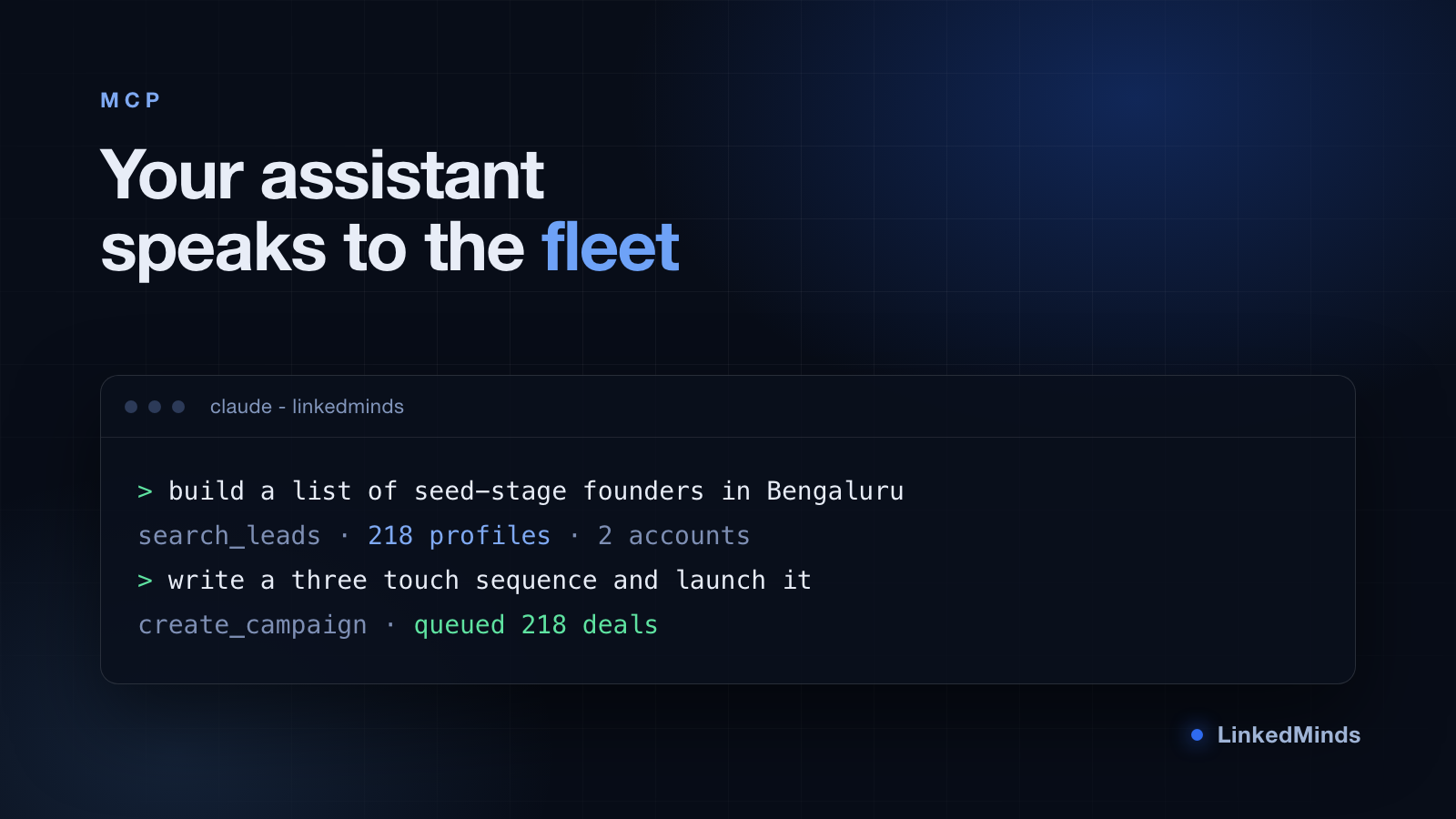
LinkedMinds exposes its core as an MCP server. That means an assistant like Claude can talk to it directly: search for leads, create a campaign, define a sequence, launch it and read the replies back, all without anyone opening the dashboard.
This post is what that session actually looks like, including the parts where you should not let it run unattended.
What the assistant can reach#
The tools fall into four groups:
- Finding people. Search, either against LinkedIn directly or against leads you already hold.
- Building campaigns. Create a campaign, set its ideal customer profile, define the workflow steps.
- Running them. Launch, pause, check progress, read the queue.
- Reading results. Replies, connection status, per campaign stats.
Everything the assistant can do, you can do in the dashboard. There is no separate privileged path, and the same safety limits apply to both.
A real session, condensed#
You start with an outcome, not a command:
Find heads of talent acquisition at Series B SaaS companies in the UK, around 40 of them, and set up a three touch sequence introducing our hiring product.
What happens next, in order:
- The assistant runs a search and shows you what came back, with names and headlines, before anything else happens.
- You correct the list in conversation. "Drop the agency recruiters" is a sentence, not a filter panel.
- It drafts the three messages and shows them to you. This is the step where you will spend most of your time, and should.
- It creates the campaign and reports back what it built. Nothing has been sent.
- You launch it, explicitly.
Where you keep a hand on the wheel#
Three things we deliberately did not automate away.
Message approval#
The assistant drafts. You approve. We do not offer a mode where generated copy goes out unread, and we are not planning to. The failure mode of a bad generated message is not a wasted send, it is a permanent impression on a real person.
Account selection#
Anything that touches LinkedIn asks which account it should act as. This is deliberate and occasionally annoying. The alternative is an assistant that picks an account for you and quietly sends from the wrong identity, which is far worse than one extra question.
Limits#
The assistant cannot talk its way past a daily limit, a pacing gate or a paused campaign. Those are enforced below the tool layer. If you ask it to send 200 invites today it will build the campaign and the campaign will pace itself across the days it needs.
What it is genuinely good at#
Not the sending. The sending is the easy part and the dashboard does it fine. What changes is the work around it:
- Triage. "Which of my campaigns has the worst acceptance rate and why." That is three dashboard screens and a mental join, or one sentence.
- Reworking a list. Narrowing, splitting and re running a search is conversational rather than a sequence of panel clicks.
- Drafting variants. Six versions of a connection note, judged against each other, in one turn.
The pattern is that the assistant is best at the thinking and the reshaping, and the platform is best at the careful, paced, rule bound execution. Keeping that line clear is why the integration works.
Getting set up#
You need a LinkedMinds API key on a plan that includes API access, and an MCP client. From there the assistant discovers the available tools on its own. There is nothing to configure per tool and no schema to maintain on your side.